
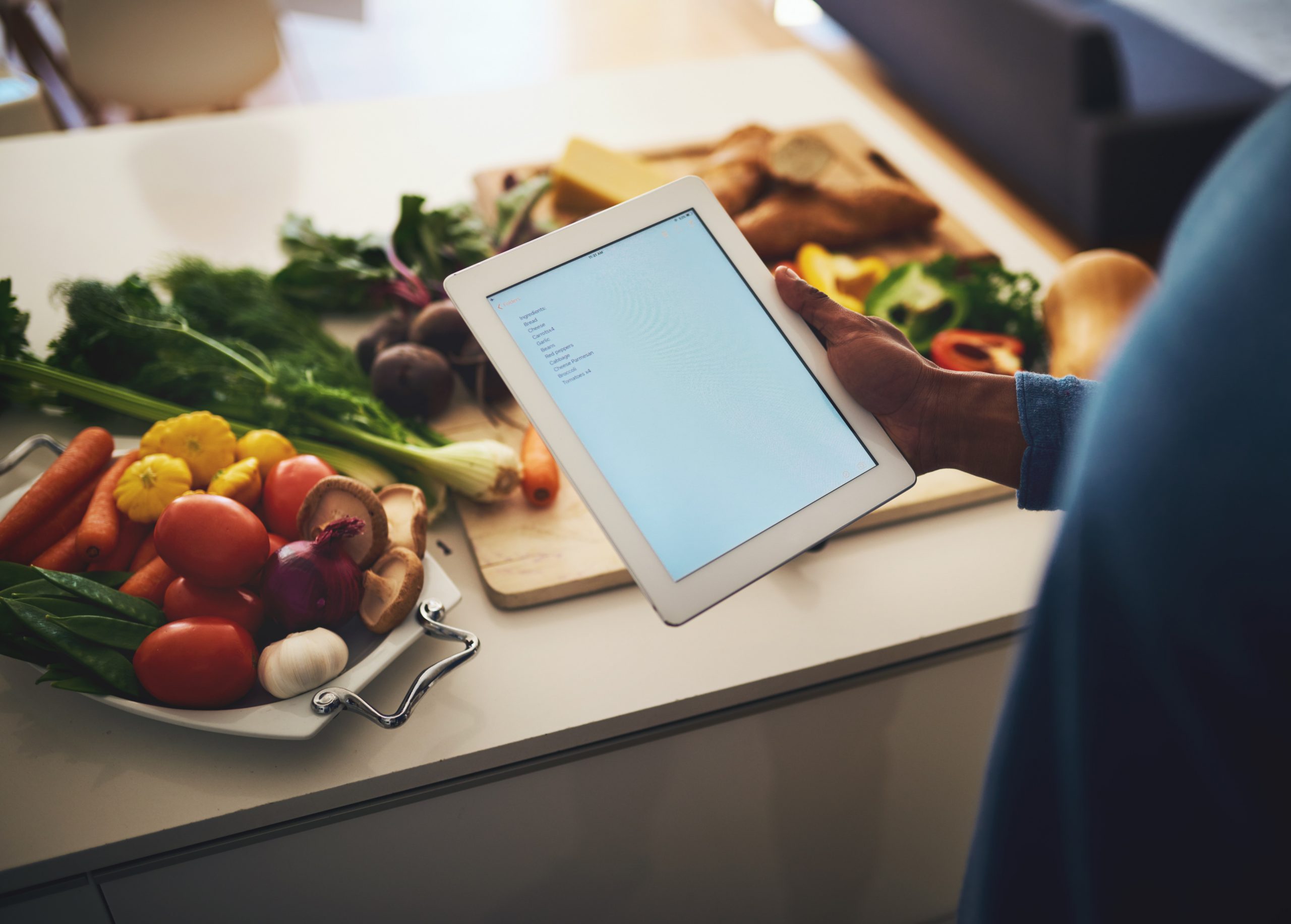

Picture this: It’s 9:30 AM, and someone from HR is frantically following up employees asking “Did you sign up for lunch today?” Meanwhile, employees are juggling morning meetings, trying to remember if they already responded, and the kitchen staff has no idea how many meals to order.
At Pawa IT, we believe that a well-fed team is a happy and productive team. That’s why we’re excited to announce the implementation of our new Lunch Automation System, powered by Google Apps Script. This innovative system is designed to streamline the daily lunch ordering process, ensuring every employee’s preference is accounted for with minimal effort.
The best part? It’s built entirely on Google Workspace tools that most companies already have.
The Power Behind the Plate: System Architecture
Our Lunch Automation System is built on a robust and integrated architecture, ensuring seamless operation and reliability.
- Google Apps Script Backend: This is the brains of the operation, handling automated email processing, trigger-based scheduling, and providing a web application for response handling.
- Google Sheets Database: The central repository for all lunch-related data. It manages our employee database and tracks daily lunch preferences.
- Email Communication System: Our custom-designed system sends out HTML-formatted email reminders, featuring a convenient one-click response mechanism.
- Web Application Interface: This user-friendly interface allows for instant response processing and displays clear confirmation pages, ensuring employees know their choice has been recorded.
A Day in the Life: Operational Workflow
The system follows a precise daily workflow, ensuring timely reminders and accurate reporting.
|
Time |
Event |
|---|---|
|
08:00 AM |
System initializes daily sheet |
|
09:15 AM |
First email reminders sent |
|
09:30 AM |
Final urgent reminders sent |
|
09:45 AM |
Supervisor report generated |
Morning Setup (8:00AM)
Every morning, the system wakes up and prepares for the day’s lunch orders:
-
-
- It creates today’s sheet if it doesn’t already exist.
- Imports the employee database from previous days.
- Initializes response tracking columns.
-
No human intervention required.
First Reminder (9:15 AM)
Targeting all employees without recorded preferences, this email offers a range of convenient options:
-
-
- One-click “Yes/No” buttons for daily lunch.
- One-click “Yes-week/No-week” buttons for weekly lunch preferences.
-
No typing, no complex forms – just click and you’re done.
Final Reminder (9:30 AM)
Non-responsive employees get a gentle but URGENT REMINDER. . It features:
-
-
- High-priority styling.
- Immediate response required messaging.
- The same convenient one-click functionality.
- Still One-click simplicity, but with a bit more urgency in the messaging.
-
Management Reporting (9:45 AM)
A comprehensive report is generated and sent to the People Operations Department, including:
-
-
- Total lunch orders for the day (Yeses count).
- Identification of non-responsive employees (name & email).
- Overall response rate (%).
-
Effortless Engagement: User Experience
We’ve designed the system with the employee in mind, ensuring a smooth and intuitive experience.
-
-
- Employees receive a professional email reminder.
- They click their preferred option.
- They are instantly redirected to a confirmation page.
- Their response is automatically recorded in the system.
-
Response Options
Employees have four clear choices:
-
- “Yes”: Lunch required for the day ONLY.
- “No”: No lunch required for the day.
- “Yes-Week”: Lunch required for all remaining weekdays.
- “No-Week”: No lunch for the remaining weekdays.
Keeping it Secure: Security & Access Control
Security is paramount. Our system incorporates clear authorization levels to protect data and ensure appropriate access.
Level 1: Authorized Administrators
Only the People Operations department admin has access to the bot, with the following permissions:
- Access lunch bot menu.
- Send manual reminders.
- View pending responses.
- Generate reports.
- Manage automation triggers.
Level 2: All Employees
All employees have the necessary access to:
- Receive automated emails.
- Submit lunch preferences.
- View confirmation responses.

Author – Ian Amugune, Cloud and Engineering Intern.